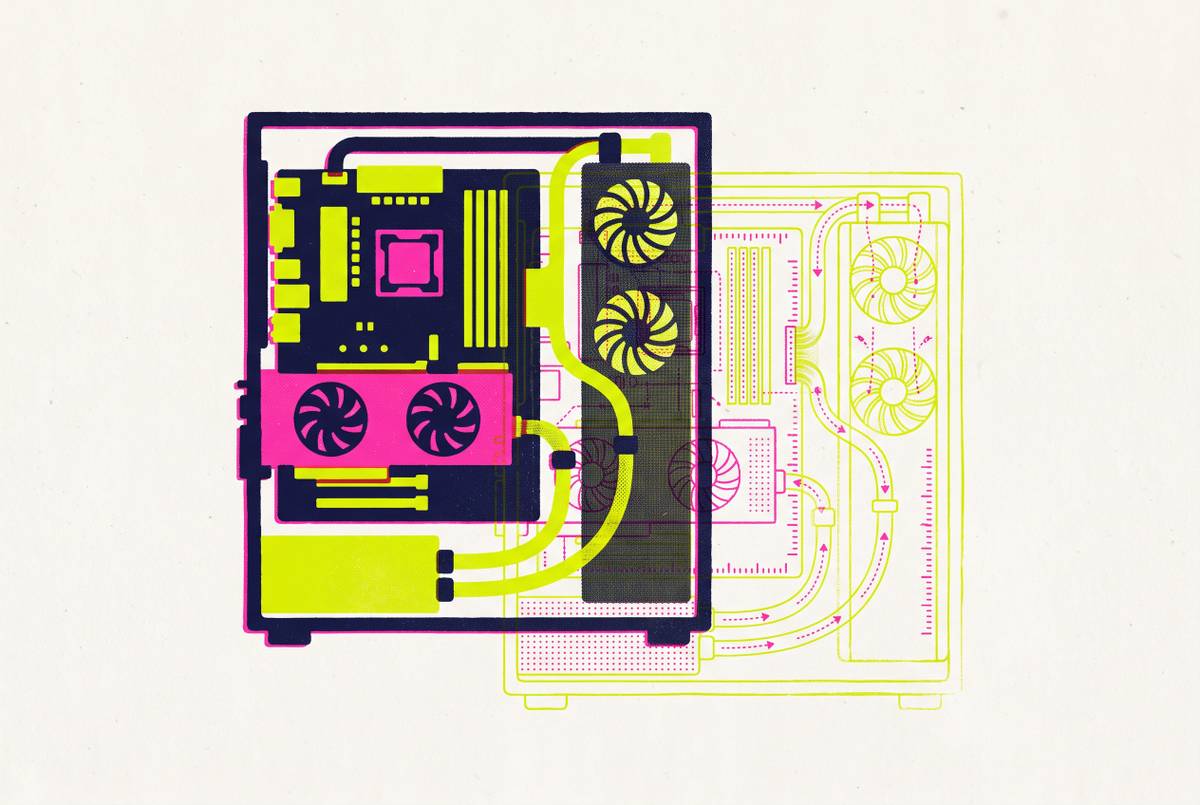
Peripheral Coherence as an Engineering Problem Not a Shopping Problem
Great parts can still clash, so check fit, power, and heat first.
Peripheral coherence is an engineering problem. A PC succeeds when its electrical, thermal, physical, and aesthetic relationships hold together. Planning before buying means working out how those relationships will suit the workload and case, then using spatial checks and thermal analysis to find clashes that component rankings cannot show.
Why well-reviewed parts do not guarantee a working build
Good parts should make a good build. That expectation is understandable because shopping guides, tier lists, and curated recommendations make individual quality easy to compare. A builder can compare processor performance, graphics performance, and memory speed, then choose a good part at each price point. A ranking describes a part, but it does not describe every relationship that part will enter.
Those relationships can override the rankings entirely. A powerful GPU paired with an insufficient power supply can produce instability, while the same GPU in a case too small for it creates a compatibility failure. Neither outcome means the graphics card was badly reviewed. It means the selection process answered whether the card was good without answering whether it belonged in that build. Guides remain useful for narrowing choices, and assembly is where the assumptions behind those choices meet.
What coherence actually means across the four dependency layers
Peripheral coherence describes how components work together across four dependency layers, namely electrical, thermal, physical, and aesthetic. Electrical coherence means matching power delivery, connectors, and platform support to the combined demands of the system. Peak load tests electrical coherence. A power supply that handles ordinary consumption may struggle with brief spikes, so its relationship with the rest of the build cannot be reduced to one average-wattage figure.
Thermal coherence means giving heat a workable path through the case. Physical coherence means respecting hard limits such as GPU length, cooler height, PSU shroud depth, and connector space. Aesthetic coherence ties how the build looks to those limits through the choice of panels, cable routing, and control settings. These layers do not stay in separate boxes. A fit problem can force a component substitution, which changes power requirements, which changes the power supply that must fit inside the same case.
How electrical and PCIe dependencies produce failures invisible to spec sheets
A GPU and an NVMe SSD can each work correctly while limiting one another through the motherboard. On certain boards, installing the SSD in a particular M.2 slot causes shared PCIe lanes to be reassigned, dropping the GPU connection from x16 to x8. The slot choice changes the result. This depends on the board’s wiring and lane allocation, and reviewing the GPU and SSD separately will not expose it. With the reduced connection, performance need not fall in direct proportion to the lane count, but the chosen parts may fall short of what they could do together.
Power delivery creates another kind of mismatch. PSU wattage alone does not establish whether its connector standard suits the graphics card’s peak consumption, and adapters introduce another risk to assess. The motherboard’s power-delivery design, trace layout, and lane allocation also set limits on what the parts can do together. A technically adequate part can therefore be wrong for a particular combination. The GPU, CPU, memory, and storage must be able to operate as intended at the same time.
Platform support adds constraints that no wattage calculation resolves. A new CPU in an older board may need a BIOS update, and a launch-time delay can leave the system unable to start or running in a degraded state. DDR4 and DDR5 are physically different and electrically incompatible, so a speed rating cannot rescue the wrong memory generation. Where a working system needs lower chip temperatures, undervolting offers a remediation approach that can preserve performance, but it does not fix unsupported memory or shared PCIe lanes.
How thermal coherence works as a geometry problem, not a cooling-parts problem
A cooler’s rated performance comes from a controlled environment. Inside a completed PC, intake restrictions, exhaust paths, internal obstructions, and component placement shape what it can actually do. A top-tier model in a restrictive enclosure may perform worse than a mid-tier model in an open-mesh design because the surrounding air path limits it.
Even a dust filter changes that path. A fine intake filter cuts airflow and changes the thermal budget of the parts downstream, while taking it out changes how the case handles heat. Cooler rankings cannot describe that interaction on their own. Small Form Factor builds make the problem sharper because nearby components concentrate heat within a tighter space. There is less room for an awkward layout and less margin for an airflow mistake.
Airframe approaches this problem by following air through intake openings, CPU heatsinks, and GPU coolers toward exhausts. The open-source tool also has maps that show relative speed, pressure, and heat-source sections. Its authors describe it as a coarse, qualitative planning sandbox without CFD validation. That limitation defines its proper use. It supports reasoning about airflow geometry before assembly rather than promising a measured temperature, which is a different task from choosing the highest-rated cooling part.
The physical fit cascade — how one clearance failure reorganizes the whole build
A case and GPU pairing may fit lengthwise yet leave the card blocking the PSU connectors, making the installed power supply unusable in that arrangement. The obstruction changes more than the cable route. Resolving it can require a different PSU form factor, and installing that replacement can require disassembling the build.
Connector space and cable paths need verification against the specific case, even when it claims to support a full-length GPU. Cooler height presents a parallel constraint. A tower cooler can meet the intended thermal rating yet exceed the case’s clearance, forcing either a case change or a cooler substitution that may miss the original cooling target. Each changes a relationship that the rest of the build depended on.
Why aesthetics is an engineering domain, not a finishing touch
A builder can choose panoramic glass for its looks. It also creates different intake constraints from choosing a mesh-front case, so the cooling arrangement must be designed around it. The incoherent choice is selecting the enclosure for its appearance while selecting cooling as though the enclosure had no effect.
Cable routing makes that connection especially clear. Traditional front-side routing can occupy space between the PSU shroud and front intake, creating both visible clutter and airflow obstructions. BTF, short for Back-to-the-Future, moves connectors to the rear of the motherboard and shifts cables behind the tray. The cleaner appearance and clearer airflow path come from the same physical change. That routing standard also becomes a planning constraint because the layout must accommodate it.
RGB effects are a more separable aesthetic layer. Fan curves should respond to CPU and GPU temperatures first, with lighting effects layered on top. A quiet configuration during light use may permit temperature spikes during a sustained render. The distinction is between appearance and control behavior. Lighting can serve the visual design without changing cooling behavior, while panel choice and cable placement cannot be separated so neatly from the physical system.
How workload determines which coherence layer is the binding constraint
Local AI inference exposes a weakness in conventional build advice. Maximizing CPU performance per dollar and treating a GPU as optional for a non-gamer can produce a system poorly matched to that workload. Here, GPU VRAM capacity becomes the binding constraint for models that need to fit in it. Faster storage does not supply missing VRAM. More system RAM does not make the GPU’s own memory larger, either, so upgrades elsewhere may leave the central limitation untouched.
High-refresh-rate gaming changes the relationship that needs attention. A powerful GPU can be held back by a CPU that cannot feed it frames quickly enough, making their balance more useful than either ranking alone. Content creation that uses high-resolution video with AI-assisted processing puts pressure on the memory bandwidth of both system RAM and GPU VRAM. The workload changes the design priority. Faster memory can be a modest improvement or a defining part of the workflow, depending on the workload.
Small Form Factor adds another condition to that reasoning. Even when the workload points clearly toward a particular component, reduced physical, electrical, and thermal margins can constrain how it is installed and supported. A failure is harder to remedy without disassembly. The practical move is to identify the workload’s binding constraint before selecting parts, then establish which surrounding relationships have room to bend. That keeps a builder from spending heavily on performance the planned work cannot use.
What does planning for coherence look like before buying anything?
The planning sequence starts with the workload’s binding constraint, then the case and form factor that define the physical envelope. PSU form factor and wattage follow, constrained by that enclosure and the intended GPU’s peak draw. Component choices then sit within those limits. This reverses the shopping-list sequence. Rather than choosing a ranked GPU and treating the remaining parts as supporting purchases, the builder establishes the conditions under which the whole system must operate.
Physical verification then needs a spatial view. A 3D model with the parts placed inside the case can show clashes with GPU clearance, cooler height, PSU connectors, and cable paths that a spreadsheet cannot sort out. Airframe serves a different purpose by supporting qualitative airflow analysis. The two views answer different questions. Spatial planning checks whether the parts fit where they are placed, while thermal planning checks whether air has a useful path through the heat sources.
A desk setup and battlestation aesthetic planner does more than either of those checks inside the case. A buyer who wants to arrange monitors and peripherals before buying needs to see the full setup as well as the inside of the PC. Airframe’s described scope is limited to case airflow. Those capabilities should not be conflated. A full-desk visual layout can address appearance, but it does not replace checks for memory generation, PSU connector requirements, or the motherboard’s lane allocation.
Price and compatibility checks belong within this planning process, before selections feel settled. The builder needs to check how the board shares its lanes, including the chosen M.2 slot, against the GPU and storage they plan to use. Aesthetic decisions also need an early place. BTF routing, panoramic panels, and a compact form factor each change the constraints that later selections must respect, so postponing them leaves the builder designing around choices already paid for.
The gap between what guides recommend and what the installed base reflects
The hardware people use does not move at the pace of buying guides. Community hardware survey data places 8-core CPUs, 16GB VRAM GPUs, and 32GB of system RAM in plurality territory among active users, while the most popular GPU on Steam remains a card from early 2021. A recommended-tier build therefore cannot stand in for every reader’s starting point, especially when the reader intends to retain most of an existing system.
For that builder, the first question is whether a GPU, memory, or NVMe upgrade will work within the existing board’s support, power delivery, clearances, and lane allocation. The dependency analysis still applies. Understanding the binding constraint makes a targeted upgrade possible without replacing parts that already serve their purpose. Treating a PC as an engineered system gives a builder at any budget a better chance of getting the intended result from the first boot.