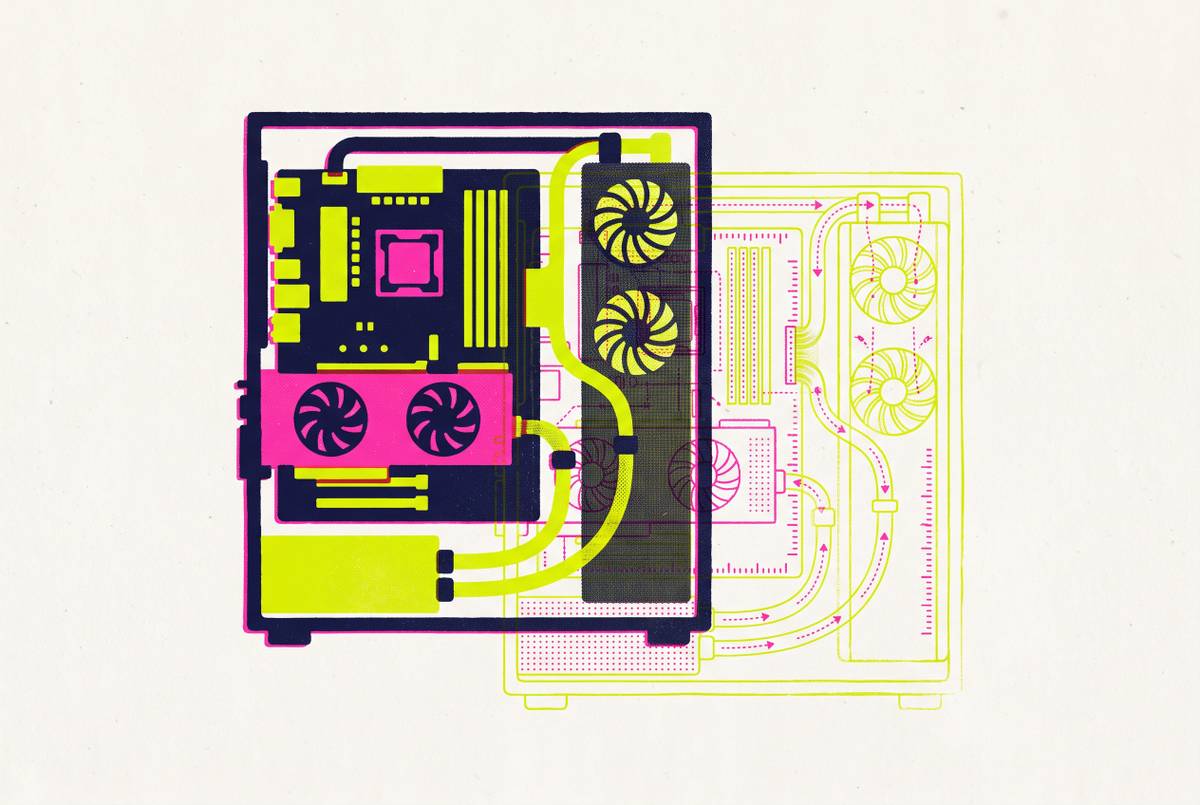
Augmented Reality for PC Case Placement and Desk Fit
AR lets you see if a PC case actually fits your desk before you buy it.
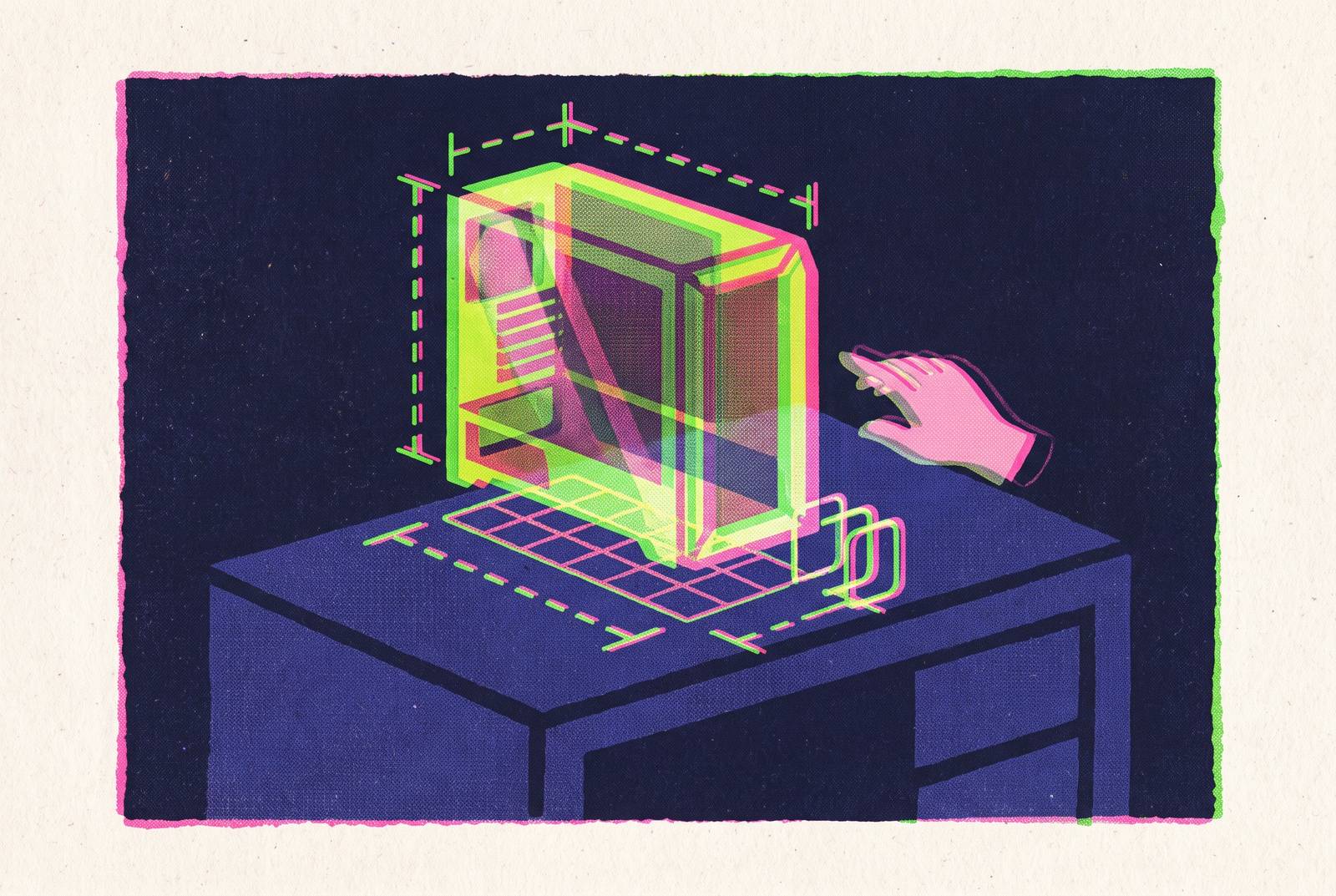
Augmented reality for PC case placement answers a question that dimensions alone cannot settle. Will this case work on this desk, with everything else already there? A true-to-scale 3D model anchored in the actual space makes clearance, proportion, and orientation visible before purchase. It complements the tape measure as a planning step.
Why desk-fit for a PC case is harder to judge than it looks
A case specification describes a box. Its width, height, and depth say little about its relationship to a monitor arm, a speaker, the desk edge, or the cables behind it. A tower can fit within the edges of the desktop but still make ports hard to reach or crowd the gear around it.
A side panel needs room to open, and intake and exhaust areas need space between them and nearby walls and shelves. A footprint marked on the desk does not show those relationships at the case’s full height. Nor does it make the tower’s visual weight obvious. What looks restrained in an isolated product photograph can dominate a desk already occupied by monitors and peripherals.
Below the desk, an under-desk or wall mount has its own fit requirements, which interact with desk height, chair position, and leg room. The HumanCentric adjustable CPU mount illustrates the distinction between fitting a case into a holder and fitting the mounted assembly into a workspace. Both have to work in the same place.
How the furniture industry proved AR solves spatial uncertainty — and why that transfers directly to PC cases
A buyer can know a sofa’s dimensions and still struggle to picture how it will occupy a room. The uncertainty is about proportion, access, and nearby objects. AR addresses that uncertainty by showing a scaled digital object inside the real environment, rather than asking the buyer to mentally combine a photograph with a set of measurements.
A PC tower poses the same kind of questions. Whether it clears the monitor arm when rotated, leaves the front USB ports reachable, or allows a clear cable path depends on its surroundings. Room to open a side panel and space for a chair to pass a tower corner are also easier to judge when the case appears in position. The transfer from furniture to PC cases does not require a new planning principle.
The difference from other previews is the real setting. A conventional 3D render shows styling but does not establish fit on a particular desk. Seeing a case in person supplies physical scale, but not the builder’s desk context. AR brings those two views together through the phone camera and motion sensors, using Apple ARKit on iOS or Google ARCore on Android. They anchor a digital model to a real surface so that it stays in place as the phone moves, letting the builder examine scale and sightlines from different positions.
What AR case placement actually checks that a tape measure cannot
A tape measure can show exactly how much space there is, but it cannot show the case in that space. AR makes that arrangement visible all at once. The builder can see the side-panel opening area relative to a speaker, the top exhaust relative to an overhead shelf, and the front intake relative to a wall. The value is in seeing where the space is tight before reducing each gap to a number.
Proportion is a separate check from physical fit. A panoramic glass tower might fit well within the edges of a 47-inch desk yet look too big with two monitors already in place. A studio photograph cannot answer that question because the surrounding workspace is missing. An AR view supplies the comparison directly. The builder sees how the case looks with the setup already there, without having to picture the monitors beside a product image.
Orientation can change that verdict without changing the case. The Fractal Design Node 202 supports vertical or horizontal placement, as does the SilverStone RVZ03-ARGB, so their footprint and port-access geometry depend on how they sit. Previewing supported orientations makes the trade-off visible. Putting the tower under the desk also means checking how it and the mount fit with the room left for legs. The HumanCentric mount’s 12–21 inch height and 3.5–8 inch width limits remain numerical requirements, but a spatial preview puts those requirements back into the context of the desk.
How AR case preview works inside a 3D PC building platform
An integrated 3D planning environment connects those placement questions to the build being configured. Its case model serves both the on-screen build and the AR preview, rather than leaving the builder to judge a generic shell. The connection is useful because appearance and placement belong to the same decision. In the iOS app workflow described here, builders can place a true-to-scale model of their chosen case in their actual setup before buying.
The build flow has accurate 3D case models, checks compatibility in real time, compares prices from more than one retailer, and estimates performance. Case Size Comparison and 3D Part Comparison show how sizes compare, while RGB Simulator shows the lighting planned for the build. Fan Simulator shows the intended airflow layout. It is a visual planner whose role is to help arrange the build.
Setup Builder extends the planning area beyond the tower. It launched in June 2026 with Beta Update v0.50 as a full desk setup 3D configurator, with over 300 setup parts across 10+ categories. Desks, monitors, keyboards, mice, and chairs can become part of the same layout exercise. That broader view helps connect case placement with the rest of the workspace. It does not, however, remove the model-library constraint. Only cases labeled “3D” in the catalog enable 3D preview features, so an unmodeled case cannot simply be placed in AR.
Where the AR pipeline has real limits builders should know about
A true-to-scale model still depends on the phone placing it accurately. Apple’s ARKit uses LiDAR for depth perception and surface anchoring on LiDAR-equipped devices, including iPhone Pro models from iPhone 12 Pro onward and iPad Pro. Many mid-range Android devices have no depth-sensing hardware, which can affect how accurately they place the case. The preview can still help a builder judge layout and proportion even when the phone is less able to anchor the model accurately.
Zoho’s AR software overview explains the underlying process as SLAM, or simultaneous localization and mapping. It processes camera and sensor data so the device can interpret the surroundings and track its position. The sensor suite therefore affects the result. A builder with a budget phone may still get help seeing how the case fits, though a device with dedicated depth sensing can place it more precisely.
The HYTE Z90 prototype shown at CES 2026 cannot be previewed until a full model is available, regardless of how capable the phone is. Nor does a placement preview verify cooling or mount suitability. Like the visual Fan Simulator, AR helps builders judge space but does not verify the engineering. The practical response is to use AR to reject obvious fit and proportion mismatches, then measure the finalist. A builder who previews three cases and measures the one that survives has used the two tools for different jobs.
Why the cases gaining the most attention in 2026 are the hardest to judge without AR
With panoramic glass, dual-chamber layouts, and curved panels, part of a case’s appeal comes from how it looks on the desk around it. Their effect is not contained within a specification table. The FOIFKIN F600’s 270° panoramic dual-chamber design makes the glass view central to its appearance, while support for GPUs up to 400mm, ten 120mm fans, and a radiator up to 360mm describes its internal capacity. An in-place preview shows how the case will look beside a particular monitor.
The NZXT next-generation H6, unveiled at Computex 2026, uses a single curved pane of glass for a cleaner appearance. Curvature makes viewpoint especially relevant to the shape a buyer sees. A press render gives one presentation of that geometry. The ASUS ROG Cronox, showcased at CES 2026, raises a more direct size question. Its E-ATX panoramic design supports up to fourteen 120mm fans, dual 360mm radiators, and GPUs up to 400mm, making workspace fit a substantial part of the decision.
The Node 202 is a dual-chamber mini-ITX design with an included stand for vertical placement, so its desk relationship changes with orientation. The Okinos Cypress 7 walnut wood case is an ATX mid-tower supporting GPUs up to 415mm, bringing a different appearance into the same spatial decision. Back-connect-compatible layouts add another visual consideration through interiors without visible 24-pin or GPU power cables. Where a configured model represents that clean interior, an AR preview can show its aesthetic payoff in context, though these examples do not establish that every named case is available in the model library.
A practical workflow: from AR case preview to final placement decision
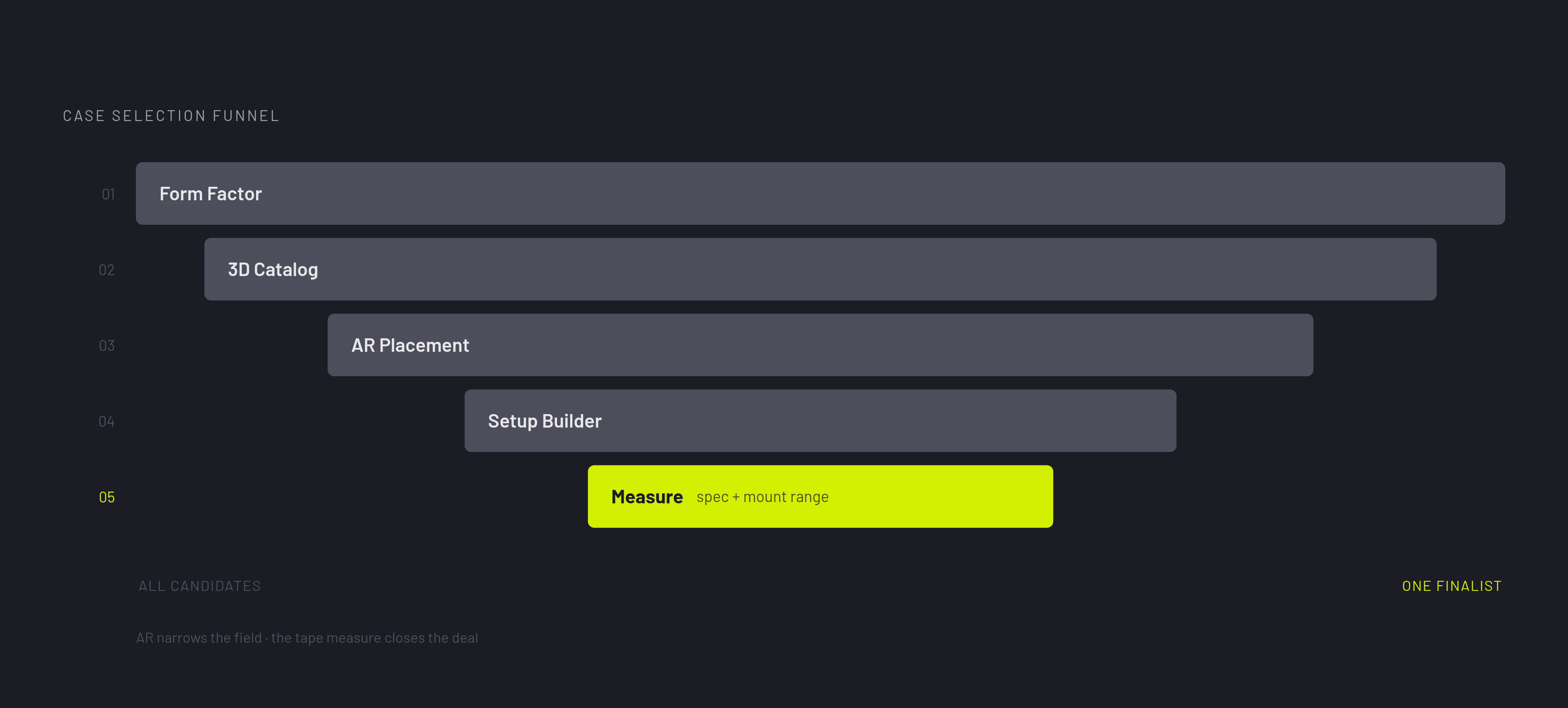
The lesson for a builder is to narrow the field in stages rather than treat AR as a single approval check. Start with the form factor that matches the motherboard and cooling requirements. For most builders, an ATX mid-tower is the starting frame. From there, choose specific candidates with the “3D” catalog label so the placement exercise uses available models.
Next, place each case on the shortlist at true scale on the actual desk. Check the space around every side, including the relationship to the monitor arm, shelves, walls, and cables. Then assess proportion against the monitors and peripherals already there. Try vertical and horizontal placement only where the case supports both, as the Node 202 and RVZ03-ARGB do.
With the shortlist reduced, use Setup Builder to arrange the case with the desk, monitors, keyboard, mouse, and chair in a full 3D layout. Run RGB Simulator and Fan Simulator to assess the appearance and planned airflow layout before ordering, without treating either as a cooling test. If the phone has no LiDAR, Case Size Comparison can help with another check. It shows two or more cases at scale for judging relative size and proportion. That comparison leaves out the real desk, but it helps show which case is smaller and which just looks smaller in photos.
Once one case is left, measure the actual desk and check it against the case specification. If an under-desk mount is planned, check the case against the mount’s rated range as well as the surrounding clearance. Planning becomes part of the fun of the build as the case, lighting, and desk take shape on screen before a single part ships.