Digital Twins of PC Builds and Their Design Implications
Virtual planning catches PC build conflicts before purchase, saving money and time.
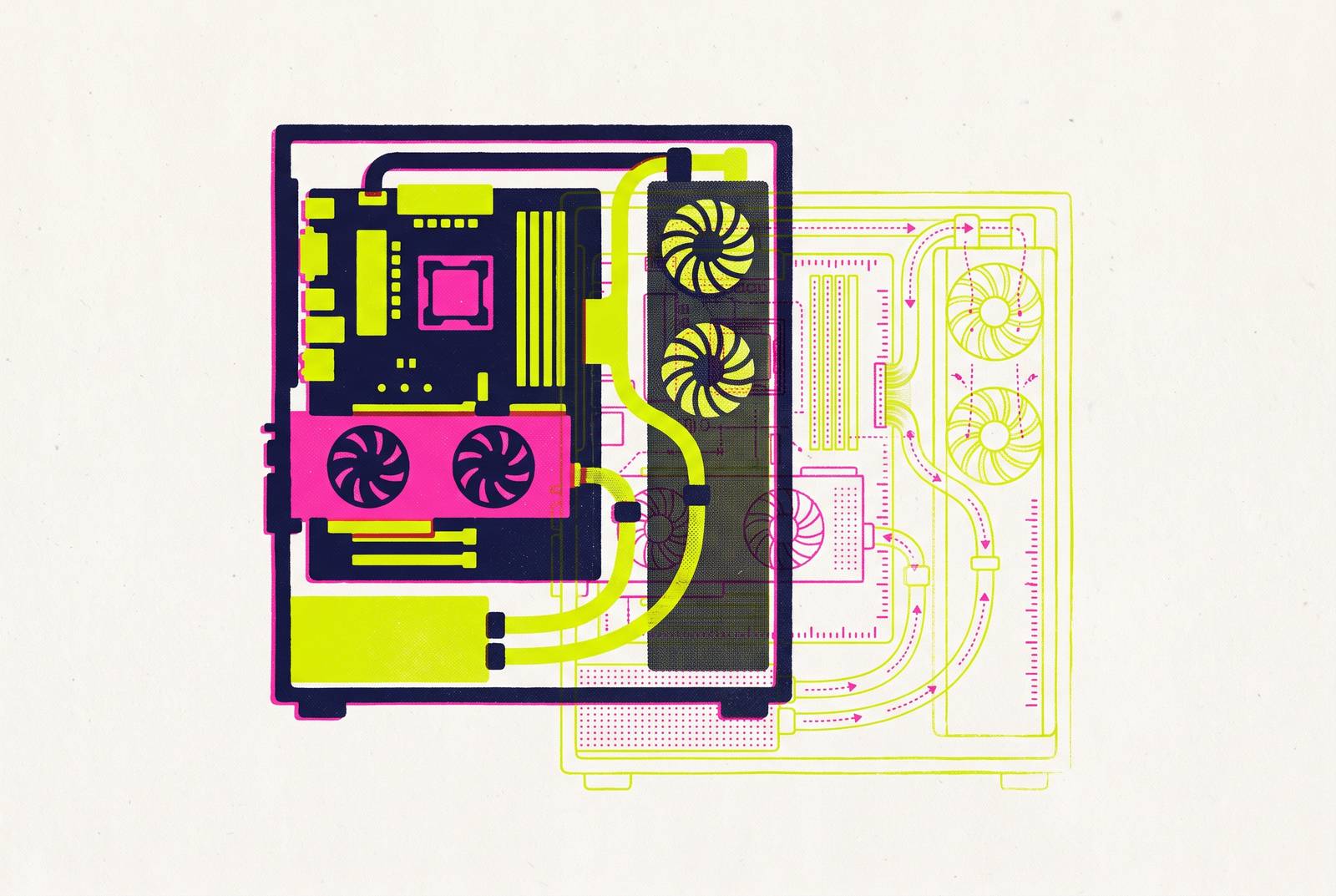
Digital twins offer a better way to think about PC builds, even though today’s consumer tools are not true engineering twins. Test the build virtually before buying it. Interactive 3D planning brings fit, appearance, compatibility, and cost into one process, making it more useful than a spreadsheet of parts. To get value from it, builders need to know where visual planning ends and thermal prediction they can trust begins.
What digital twins actually are, and why the definition matters for PC builders
A digital twin is a connected virtual replica of a physical asset. Ansys Twin Builder defines digital twins as connected, virtual replicas of in-service physical assets that support predictive maintenance, cost savings, and proactive optimization. The connection lets the model serve the physical asset. The operative verbs are simulate, validate, and deploy. Visualization helps people understand the model, but it is not the whole job.
Siemens’ Digital Twin Composer, unveiled at CES 2026, frames its goal as letting teams “visualize, interact with and iterate on any product, process or factory in its real-world context before physical design or construction”. A model is useful when it helps catch a mistake while it is still cheap to fix. For PC builders, this is a fair way to judge tools without treating every 3D parts viewer as an engineering twin.
How industrial digital twins collapse design, simulation, and operations into one workflow
Siemens describes design, simulation, and operations teams moving from separate tools into “one living and contextualized model”. Instead of treating design and operation as separate problems, teams can investigate changes in the same context. That lets them test physical changes without first interrupting the physical process. The improvement is not simply a more detailed picture, but a shorter path from a proposed change to a validated decision.
Siemens’ PepsiCo case makes that mechanism tangible. PepsiCo made high-fidelity 3D digital twins of some of its U.S. manufacturing and warehouse facilities. Within weeks, teams optimized and validated new configurations to improve capacity and throughput. Siemens reports that they found up to 90 percent of possible problems before making physical changes, increased throughput when they first put the plan to use, and cut capital spending by finding hidden capacity in the model. The model helped reveal what the facilities could already do before money went into changing them.
Speed makes that kind of iteration practical. Ansys Twin Builder uses reduced-order modeling, or ROM, so that costly physics simulations run fast enough for people to interact with them and put them to use. Ansys describes how Wärtsilä cut the time needed to simulate battery pack and thermal management from one day to minutes while keeping a high-fidelity version of the computational fluid dynamics model.
Why the same "simulate before you commit" logic applies to choosing PC components
A PC is also a system of physical parts that must work together. Its components must coexist spatially, thermally, and electrically, so selecting good parts individually does not settle whether they make a good build. A cooler can be too tall for the case. A GPU can block a fan intake, a PSU cable can fail to reach a bottom-mounted ATX connector, or the RGB headers can already be occupied. These conflicts between parts can remain hidden in a list of product names.
Discovering those conflicts during assembly turns a planning problem into disassembly, returns, and re-purchasing. The GPU and memory shortages of 2026 make that distinction more expensive. When parts cost more, correcting a mistaken purchase is a meaningful financial event. Virtual validation moves the opportunity to catch the conflict ahead of the purchase. That is the same design logic used in industry, even though the asset is much smaller.
A PC is plainly simpler than a manufacturing plant, but complexity is not the deciding factor. The principle applies whenever physical errors have a real cost and tools exist to catch them earlier. Spreadsheets, forum threads, and trial and error can offer useful information, but the builder still has to piece it together from separate places. Interactive planning changes the process by putting the relationships between parts in view.
Where current PC build simulation tools actually sit on the spectrum from layout visualizer to physics twin
Consumer planning tools do not all model the same things. At one end, layout visualizers show where the components sit, which way the intake and exhaust fans point, and how the RGB looks. Those capabilities are useful for spatial and aesthetic decisions, but they do not establish how air will behave inside the finished case. Showing which way a fan points is not the same as modeling GPU obstruction or pressure differences between zones. In industrial terms, this is closer to reviewing CAD geometry than running a physics simulation.
Airframe occupies a more exploratory position. The free, browser-based project on GitHub offers editable 3D hardware, room-to-case airflow, section maps, fit checks, and an electricity and wiring planner. Its airflow model uses a coarse steady pressure projection with modeled fan forcing, porous heatsinks, and solid obstacles. It is an early-stage feasibility tool whose thermal predictions still require calibration against a specific physical PC and validation as engineering CFD.
PC Airflow Simulator moves toward reduced-order CFD but still falls short of that level of detail. Its appropriate role is airflow feasibility, with measured thermal results still needed for validation. Across this spectrum, consumer tools still lack the connection to live operational data that makes an industrial twin an in-service replica. They are tools for planning before buying, and each has its own strengths and limits.
Why thermal decisions and aesthetic decisions now belong in the same planning session
Interactive 3D planning lets a builder consider cooling layout and appearance while looking at the same proposed machine. Builders have long used product photos and YouTube reviews to decide how a build should look, and benchmark sites and specification sheets to make thermal decisions. Those separate research paths can leave conflicts unresolved until the build is on the desk. A shared model shows which way the fans point, an RGB preview, the case dimensions, and how the components fit, all in the same view. The builder can then judge the proposed arrangement as a whole before spending anything.
A case can be rejected or kept under consideration based on its layout and appearance together, with measured thermal evidence informing the same decision. Siemens describes a similar benefit when it talks about testing and validating before hardware exists. For a PC, that means checking airflow layout and cable routing before the case ships. The two decisions can share a planning session without pretending that they use identical evidence.
The power of the planned hardware gives that shared session real weight. A 300W-plus GPU behaves very differently thermally from a 165W card in the same mesh mid-tower. Where it sits matters to the design because of its heat as well as the chance to show off lighting. For builders spending above the mid-range threshold, the desk environment is also part of the brief, including monitors, peripherals, and lighting. Appearance belongs in the plan, but it belongs there with the physical constraints.
The accuracy risk that consumer "simulation" marketing papers over
A simulation presented with more confidence than its model supports can lead to worse decisions than an honest layout diagram. The danger is that the good-looking picture seems to answer a thermal question it cannot actually resolve. A diagram of fan directions cannot capture GPU obstruction of an intake path, pressure differences between zones, or dust filter resistance at the front panel. It also cannot establish the effect of differently powered fans pushing against each other.
Those missing effects matter because they can make a build run hot. A model can retain blind spots about those effects behind a plausible-looking airflow path, the consumer version of what happens in industry when a twin built on incomplete information retains the blind spots of the workflow it replaced. All consumer planning tools face this limitation to varying degrees, regardless of how useful their other features are.
The right response is to match each tool to the decision it can support. Layout visualizers suit spatial planning, fit checks, and aesthetics, while physics-approximate tools suit airflow feasibility. Community benchmark data remains necessary for thermal validation in a specific chassis. Airflow simulation output should be treated as directional rather than predictive unless the tool explicitly claims and demonstrates CFD-grade validation. Knowing that boundary is a design skill, and treating early models as useful rather than final is how builders get value from them.
What the current hardware generation means for build planning decisions
AMD’s Ryzen X3D family, led by the Ryzen 7 9850X3D, contests the top of gaming CPU tier lists with Intel’s Core Ultra line on Arrow Lake Refresh, the Core Ultra 200S Plus. X3D parts take most of the top spots in gaming benchmark scores. However, choosing a processor from the top of a benchmark table still leaves the rest of the system to be designed. Performance ranking is one input to a plan that includes checking the complete build.
The Steam Hardware Survey shows how the planning baseline has shifted. Its July 2026 survey recorded 8-core CPUs overtaking 6-core CPUs for the first time, with the lead widening afterward. Its September 2026 survey shows GPUs with 16GB of VRAM becoming the most common configuration on the platform. The survey also shows 32GB passing 16GB as the most common system RAM configuration. A planner that defaults to 16GB of RAM now starts below that community norm, while the old “8GB is fine” GPU debate no longer describes the most common VRAM configuration.
These shifts call for tools that reflect the hardware people are actually selecting. They do not make memory capacity alone a thermal measurement, so the selected components and their layout still matter. Financial pressure adds another constraint. IDC expects global PC shipments to fall as memory costs force price increases, while budgets buy roughly one tier less machine than a year ago. A planning error now consumes more of an already squeezed budget.
What a genuinely useful PC digital twin would look like — and how close current tools get
A useful PC twin would connect the virtual build to reliable data. Compatibility, current pricing, and community performance data would be available in the same planning session. Validated thermal modeling would go beyond fan-direction arrows, and the model would evolve as the physical machine changed. That lifecycle connection is what separates a true twin from a detailed pre-purchase mock-up. Updating retailer prices would improve planning, but it would not by itself supply feedback from the operating PC.
Real-time compatibility checking catches conflicts before parts are bought, while comparing prices from more than one retailer within the tool lets builders plan around what parts now cost. Benchmark-based FPS estimates give builders performance data to plan with, and augmented reality projection lets them see the build in their actual room. Consumer configurators can also make spatial and aesthetic planning accessible to non-engineers in a browser.
The data foundation matters as much as the interface. An open, community-maintained component library can grow beyond what a single vendor can maintain, but missing data still limits what the model can establish. Thermal modeling that accounts for GPU obstruction, fan pressure differences, and dust filter resistance remains an unsolved consumer-level gap. The practical approach is therefore to use interactive 3D planning as the primary workflow for compatibility, space, appearance, and budget, with community benchmarks for thermal validation. That combination is a better process than spreadsheet-driven part selection, and knowing its limits makes the builder more capable.