RGB Sync Protocol Fragmentation and the Builder Interoperability Problem
Proprietary RGB software locks builders into single brands and tanks system performance.
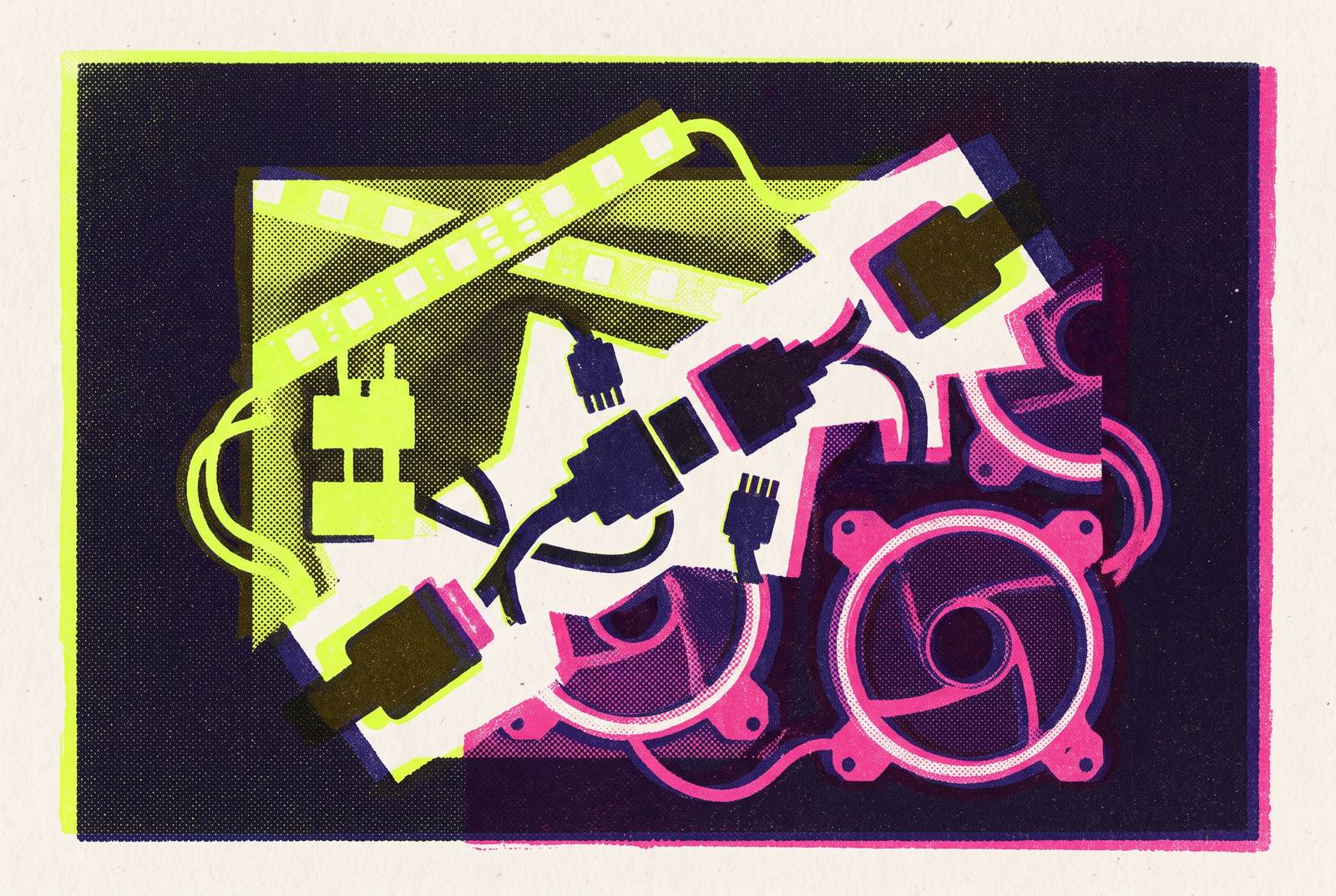
Builders assume a shared physical standard means a shared experience, but the 5V 3-pin ARGB header standardizes only the electrical connection, not the control layer above it. The header defines a shared electrical connection: power and a data signal, carried over a connector that fits across brands and product lines. What the header does not define is which software gets to interpret that signal, animate it, or decide whether it plays nicely with anything else plugged into the case. A builder sees an ARGB fan from one company fit cleanly into an ARGB header from another and reasonably assumes the compatibility goes all the way up the stack. It doesn't go further than the wire. Any ARGB fan will physically plug into any ARGB header, but which app actually controls it, and whether that control syncs with the rest of the build, is decided entirely by a proprietary software stack the builder never had any say in selecting. The header gave builders a false sense of confidence at the exact point where vendors had the least incentive to cooperate, since none of them profit from a lighting layer that works equally well with a competitor's hardware.
Vendor software stacks and brand lock-in
Every major vendor answers the gap left by the physical standard with a proprietary control stack, and those stacks name a list that any builder assembling a mixed-brand rig will eventually run into: Gigabyte RGB Fusion, ASUS Aura Sync (delivered through Armoury Crate), MSI Mystic Light, Corsair iCUE, Razer Synapse, Logitech G HUB, ASRock Polychrome, and SteelSeries Engine. Each of these behaves the same way under the hood, regardless of the branding on top. RGB software polls the SMBus and USB buses continuously to keep lighting effects synced across connected devices, and whichever app opens that connection first holds an exclusive handle on the device. iCUE holding a Corsair USB device makes that device invisible to any other piece of software trying to detect it, including OpenRGB, and the same exclusivity holds across every stack named above. Because these apps all reach for the same SMBus and USB interfaces, running two of them at once on a mixed-brand system puts them in direct competition for ownership of the same hardware.
That competition is not theoretical. A build combining a Gigabyte GPU with an ASUS motherboard, with Armoury Crate and RGB Fusion both installed and running, produces a fight over the GPU's LEDs that neither app wins cleanly: both claim ownership simultaneously, the lighting flickers constantly between competing effects, and the instability eventually forces a reinstall of both programs. The flickering is a visible symptom of something structural rather than accidental, a sign that two pieces of proprietary software are issuing conflicting commands to the same controller chip at the same time. None of this is a bug vendors are racing to fix, because the lock-in produced by that exclusivity doubles as a retention mechanism: a builder who wants a fully synced case is nudged, gently but persistently, toward buying the next component from whichever brand already controls the lighting.
What running multiple RGB apps costs a system
By 2026, running several RGB suites at once on a single mixed-brand build is the norm rather than the exception, and a PC running iCUE, Razer Synapse, Aura Sync, RGB Fusion, G HUB, and SteelSeries Engine simultaneously is an entirely ordinary configuration. The cost of that configuration is not just cosmetic friction between apps fighting over LED ownership. That cost appears in measurable performance degradation that a builder can feel even when the headline numbers look fine. Average CPU load from any single suite tends to be modest on its own, but the damage concentrates in the tail: low-percentile frametimes get worse, and that produces noticeable microstutter in gameplay even while the average frame rate stays steady on a monitoring overlay. At the heavier end, a suite like iCUE or Armoury Crate can consume up to a full gigabyte of RAM and a meaningful share of CPU cycles just to sustain something as simple as a rainbow cycling effect. For instance, having Armoury Crate installed can make iCUE behave erratically on startup, with iCUE randomly failing to recognize RAM modules and sometimes needing a full restart, a conflict that still hits a builder with an ASUS board even when they follow Corsair's own setup instructions.
That overhead does not land evenly across builders. On a system with limited RAM, the combined software overhead can turn smooth gameplay into random stutters, and a budget builder experiencing that stutter is more likely to blame the hardware itself than the lighting software quietly consuming resources in the background. That misdiagnosis matters because it sends builders chasing a hardware upgrade for a problem that a lighter software stack would have solved for free.
The cost does not stop at frame-time. These apps routinely track usage habits, installed games, and system specifications, and that data collection does not necessarily end when the app is uninstalled. Services like LightingService.exe or AsusUpdateCheck can persist as background processes after a standard uninstall, and AsusUpdateCheck in particular is documented to survive even when a builder uses ASUS's own official uninstall tool. A builder who has already accepted the frame-time cost of running several lighting suites at once may not have weighed this part of the bargain at all: the software keeps a presence on the system, and keeps collecting, well past the point where the builder thought they'd removed it.
The case for keeping vendor software installed
None of this makes vendor software indefensible. iCUE and Armoury Crate offer per-LED addressing with custom animation timelines that third-party tools frequently cannot match, and they bundle firmware updates into the same interface a builder already uses for lighting. iCUE's Screen Capture mode, which maps whatever is on-screen to peripheral lighting in real time, has no direct built-in equivalent in OpenRGB, though the OpenRGB Effects Plugin offers a comparable Ambient Light effect for builders willing to install it. A builder who has committed to a single ecosystem, an all-Corsair setup spanning case fans, RAM, cooler, keyboard, and mouse, gets real out-of-box polish from iCUE: no configuration overhead, no compatibility research, no guesswork about whether a given component will show up in the app at all.
Zone handling is where the gap becomes most concrete. A double-layer ARGB fan with 16 individually addressable LEDs is often read by third-party sync software as a single linear string rather than as two distinct rings, and running that same fan under its native controller unlocks zone-specific presets that third-party tools simply don't expose. The advanced per-LED animation modes built into iCUE and Armoury Crate are a genuine feature gap rather than marketing dressing. That gap matters most to builders who actively use those advanced modes day to day. Most builders set a lighting profile once and rarely touch it again, which tilts the practical tradeoff toward lighter tooling for anyone outside that smaller group of lighting power users.
What OpenRGB 1.0 solves
OpenRGB 1.0 shipped on September 11, 2026, the project's first stable release after years of release candidates, with the preceding milestone, 1.0rc3, shipping June 28, 2026 on SDK Version 5 and Plugin API Version 4. The project exists because volunteer contributors reverse-engineered vendor protocols one controller chip at a time, capturing USB traffic and decoding SMBus transactions before publishing the results as open-source drivers. That process explains both OpenRGB's reach and its blind spots. A controller chip used across many product lines tends to get full support quickly, while a one-off chip on a niche product can sit in partial support indefinitely, simply because fewer contributors have reason to reverse-engineer it. The device database reflects that reality directly with three tiers: fully supported, partially supported, and unsupported, and "partially supported" usually means static color and brightness work while per-LED addressing does not.
What OpenRGB offers in exchange for that unevenness is a genuinely different relationship between builder and software. There's no account required, no cloud dependency, no telemetry, and the code is fully auditable; it runs on Windows, macOS, and Linux, includes a CLI mode for scripting, and its plugin architecture now supports custom effects written in Python. Version 0.9 introduced zone-splitting, letting an addressable LED zone be split into independently controlled sub-groups, and that feature was already in place before the 1.0 release, addressing the double-layer fan limitation described in the previous section directly. An active contributor base keeps adding support for new MSI, ASRock, and GPU variants through pull requests, and hardware released across 2025 and 2026 continues to appear in the database as a result.
None of this removes the practical friction of actually setting the thing up. Some newer or more obscure devices may still lack full support, so checking the official OpenRGB supported devices list against the exact model a builder intends to buy is a planning step, not an afterthought. Setup itself takes real time: budget 60 to 90 minutes for a full multi-brand rig, more if the motherboard needs a BIOS setting change or if a Linux system needs kernel modules loaded, and every vendor app has to be fully closed, not merely minimized, during setup. A Windows 11 driver conflict broke RGB software for a significant number of users in August 2026, which makes checking the driver conflict notes before installing a sensible precaution for anyone on that operating system. The coverage gaps are the strongest argument for verifying hardware compatibility before a purchase rather than after one, since a controller chip that is "partially supported" can quietly remove the per-LED control a builder was counting on.
What SignalRGB adds over OpenRGB
SignalRGB occupies the space between vendor software and OpenRGB for builders who want reactive lighting rather than static profiles, and it brings back some of the overhead it's positioned to replace. For a build where audio visualizers that react to any system audio source, game integration, and game sync matter, SignalRGB is considered the best overall RGB controller software for most mixed-brand gaming PCs in 2026. The current software, versioned in the 2.x series, supports cross-device sync over LAN and profile sharing, though no v4.0 release exists and claims about WebSockets-based sync are not confirmed in official changelogs. The free tier limits how many profiles a builder can keep active, and the Pro tier unlocks the full feature set for a subscription priced at $4.99 per month.
The software can run in a limited mode without an account, but signing in, which remains free, unlocks the full effects library and cloud sync, and a background service checks in for updates and entitlement verification regardless. That background service means SignalRGB isn't the telemetry-free alternative to vendor suites it might appear to be at first glance. Stability has been inconsistent in practice. One documented case from the Linus Tech Tips community describes a system that, after months of SignalRGB use, developed progressive stutter: the cursor would slow dramatically for brief intervals roughly once an hour, and stopping SignalRGB resolved the problem immediately. Update quality has drawn similar complaints across multiple forum threads and reviews, citing specific updates that broke device detection, left lighting stuck on a single state, or wiped saved settings entirely.
SignalRGB and OpenRGB are not a forced either/or choice. A SignalRGB-to-OpenRGB bridge plugin, letting SignalRGB drive devices that OpenRGB manages, was updated as recently as August 2026, which points to active community demand for using both tools together rather than picking one and discarding the other. For a streaming setup, or for any builder who wants audio-reactive or game-reactive lighting, SignalRGB adds real value. For a static desktop running local-only lighting with no reactive component, the account requirement and the cloud layer add complexity without a matching benefit.
MSI Portal X as a signal that vendors are aware the bloatware model is failing
MSI Portal X matters less for what it currently delivers than for what its existence concedes about the model it's trying to replace. MSI launched Portal X in November 2025 as a web-based platform built to remove the need for a locally installed suite like MSI Center when a builder just wants basic lighting configuration. At launch, it supports MSI's Intel and AMD 800-series motherboards along with Nvidia's latest GeForce graphics cards, and MSI claims compatibility with most memory modules currently on the market.
The limitations are not minor. Portal X functions as an alternative to Mystic Light, not a replacement for it: Mystic Light is still required for fine-tuning, for support of third-party devices, and for software sync with companion apps like Ambient Link and Voicemod. Moving lighting control to the cloud also introduces a new failure mode that locally installed software never had: if MSI's servers go down or a connection fails, lighting control stops working entirely, and how long MSI intends to keep the service running at all is an open question. When that service eventually closes, builders will be back to needing a local utility, the very thing Portal X was built to reduce.
What Portal X demonstrates has more weight than what it delivers. An established motherboard vendor building a product specifically because locally installed software has become a reputational liability confirms that the bloatware pattern described throughout this piece is recognized inside the industry, not just by builders complaining about it. Portal X does not solve that problem. Its existence is the clearest evidence yet that at least one major vendor knows the problem is real and is looking for a way out of it.
Sources
- How to Control RGB on PC: A Practical 2026 Guide
- OpenRGB 2026 Support: RGB Lighting Standards Explained
- signalrgb · GitHub Topics · GitHub
- Sync RGB Across Brands: OpenRGB 1.0 Setup [2026]
- Double-Layer 16 LED ARGB Fan Lighting Explained - Evezone
- iCUE & Armoury Crate for RGB Lighting - CORSAIR iCUE - Corsair Community
- Can Corsair iCue sync lighting from Msi and CoolerMaster and Asus? - Cases and Mods - Linus Tech Tips
- OpenRGB 1.0 Adds Qt 6, Background-Service Operation and New Hardware Support